What is the zombie love story AI video?
Short answer: the zombie love story AI video is a short, sad AI clip in which one person has turned into a zombie, the other person chooses a hug instead of running away, and the moment they embrace the scene turns into a warm memory of the two of them from before. It spread on TikTok and Instagram Reels from late September to early October 2026, and now people make their own version with a photo of themselves and a photo of their partner, best friend or sibling.
Most versions follow the same story. A gray, empty street after the end of the world. A survivor stands still while someone they love walks out of the haze, pale and changed. For a second it looks like a horror movie. Then the survivor lowers their guard, opens their arms, and the zombie walks into the hug. The cold light becomes golden, and for a moment it feels like sunny days at the beach or in a park before everything went wrong. It is a love story first and a zombie story second, which is why so many people share it with the person in it.
Many creators have posted their own takes, so there is no single original we can point to. TapToVideo is not connected to any of them. This page simply lets you make your own version from two photos.
How to make your zombie love story AI video
No account is needed to try it, and it works on phone and desktop.
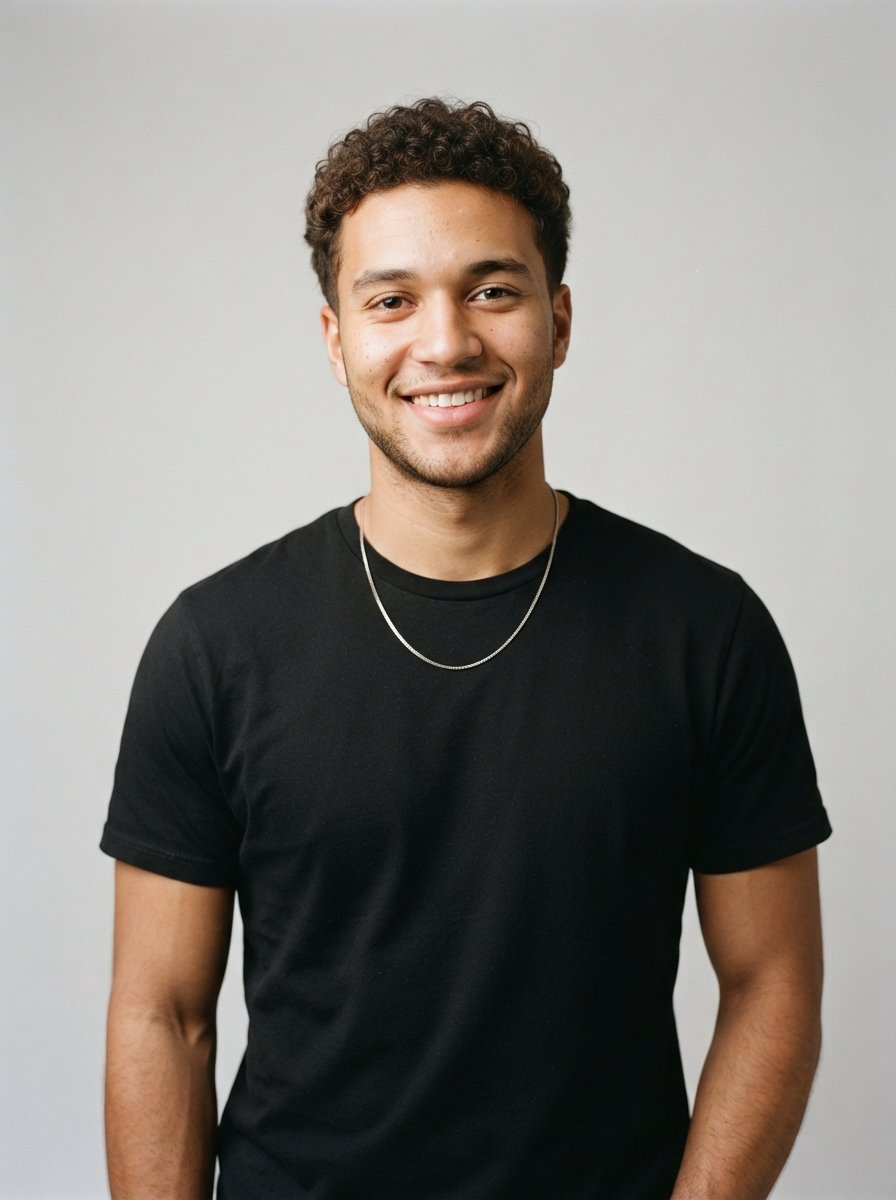
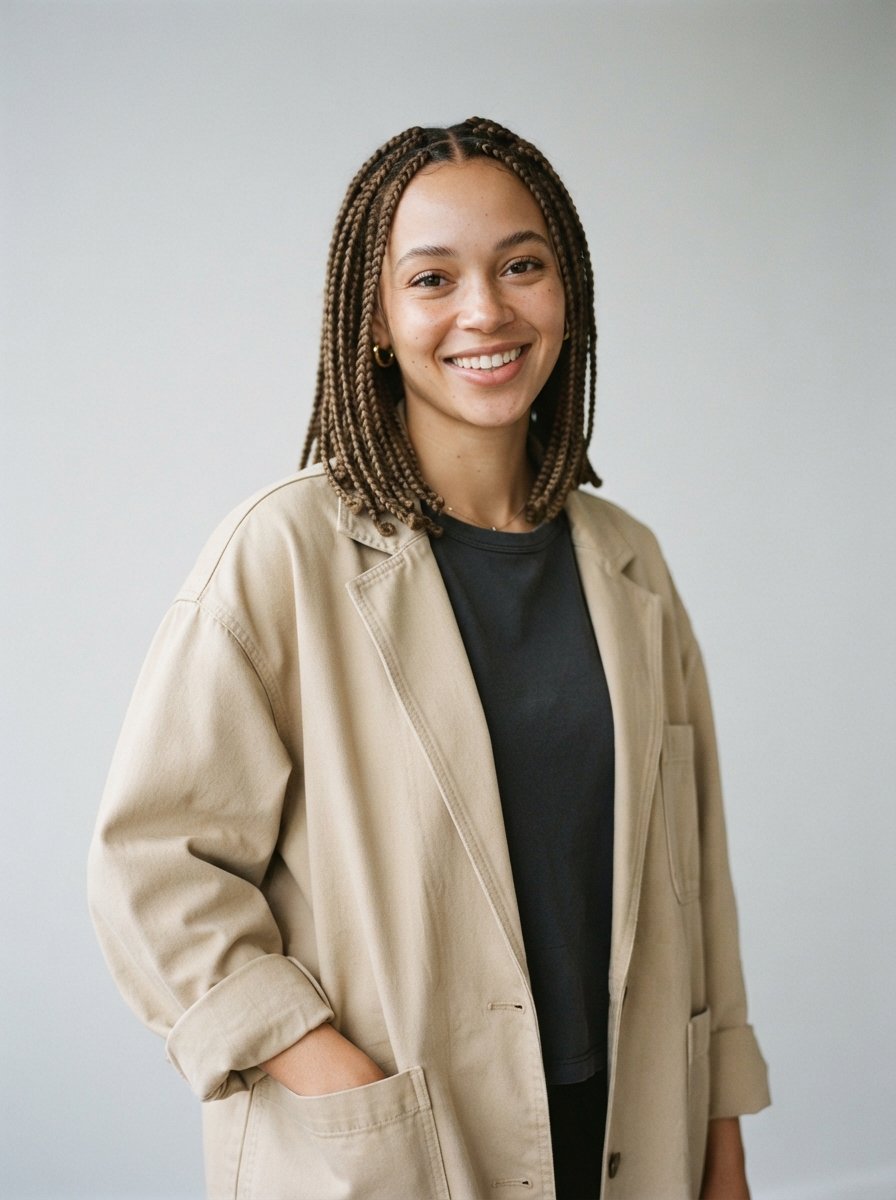
- Upload two photos, one of each person, ideally clear photos from the waist up. The first photo becomes the zombie and the second photo is the survivor.
- Confirm that both people agreed to be in the video.
- Choose a scene: Street embrace, Rainy night or Beach memory.
- Click Create video and wait about a minute while the AI builds the scene and animates the hug.
- Watch your clip and save it, then post it with a sad song on TikTok or Reels.
Three zombie love story scenes
Each scene first places both people in a new setting, with soft movie style zombie makeup on the first person, and then animates the hug in one continuous shot. The faces stay recognizable as the people in your photos.
- Street embrace: the classic version. An empty, dusty city street at dusk, abandoned cars and gray haze. The survivor opens their arms, the zombie walks into the hug and the gray light slowly warms into a golden sunset.
- Rainy night: a quiet wet street under one streetlight. The zombie hesitates in the rain, then rests their head on the survivor's shoulder while the cold night light turns into a soft golden glow.
- Beach memory: a gray, foggy beach with an old pier. As they hug, the fog clears and the beach fills with warm sunset light, like the happy memory from before the outbreak.
A sad love story, not a horror movie
We made this effect for the emotional side of the trend, so it is gentle on purpose. The zombie look comes only from soft special effects makeup: pale grayish skin, cloudy eyes, messy hair, torn and dusty clothes. There is no blood, no wounds, no biting and no weapons in any scene. Some versions online show the survivor holding a gun; ours leaves it out, because the point of the story is that they choose the hug.
That also keeps the clip easy to share. A soft, sad clip is something you can send to your partner, post on your main account or show your family, and it still gives people the little shock of seeing someone they know as a zombie.
From gray to golden in one shot
The original trend videos are often longer edits that cut between many shots: the standoff, close ups of faces, and several flashback scenes. Our clip is shorter and keeps it to one continuous shot. It starts in cold, gray end of the world light and, as the two people hold each other, the light warms into golden sunlight, so the hug itself becomes the memory.
The standard clip is 4 seconds at 480p. HD clips are 8 seconds at 720p, which leaves more room for the slow walk into the hug. If you want the full flashback edit, make two or three clips with different scenes and put them together in CapCut or the TikTok editor.
Which photos work best
The AI needs to see both faces clearly to keep them recognizable under the zombie makeup. These tips give the best results:
- Use one person per photo, facing the camera, in good light.
- Waist up or full body photos work better than tight selfies, because the hug needs arms and shoulders.
- Avoid sunglasses, masks, heavy filters and group photos.
- Put the person who should become the zombie in the first slot.
- Only upload photos of yourself or of people who agreed to it. Photos of celebrities, public figures and people who did not agree are not allowed, and our automatic photo check may reject them.
- Do not upload photos of children. This effect is for adults.
Zombie love story AI prompts
You do not need to write a prompt on this page, because every scene has one built in. If you want to try the idea in another AI video tool, these are close to the prompts we use. Describe the setting and the makeup first, then the motion, and say clearly that there is no blood and no weapons.
- Setting: "Two people stand a few steps apart on an empty, dusty city street at dusk with a cold gray haze. The person on the left is a movie style zombie with gentle makeup only: pale grayish skin, cloudy eyes, torn dusty clothes. No blood, no wounds, no weapons."
- Motion: "The survivor lowers their empty hands and opens their arms, the zombie walks slowly forward and they share a long, tight hug. The gray light warms into soft golden sunset light. Slow camera push in, one continuous shot."
- Memory version: "As they hug, the gray fog on the beach clears and the scene fills with warm golden light, like a happy memory from before."
Posting your clip on TikTok and Reels for Halloween
The zombie love story is a good fit for Halloween on October 31: it has the zombie look everyone posts that week, but it ends with a hug instead of a scare. Tag the person in it, or send it to them first and film their reaction.
The clip is a landscape 16:9 video. TikTok, Reels and Shorts show vertical video best, so place it in the vertical editor of the app and add a caption above it, for example "if I ever turned into a zombie". Pick an emotional sound inside the app, such as a slow piano track, so the platform links your post to the sound. If you made the clip with credits, you can also add a song from your own device in the browser after it is ready; the song is never uploaded to our servers. Label it as AI made where the app asks you to.
What a video costs
The sample video on this page is there to watch before you decide. A 480p clip with 4 seconds costs 50 credits, and an HD clip at 720p with 8 seconds costs 80 credits. Videos made with credits have no watermark and download as an MP4.
To make one, create an account and pick a credit pack. You can buy one-time credit packs, no subscription. The smallest is 1,000 credits for $9.90, enough for about 20 videos of this effect. Credits never expire and are only taken when a video starts; if the render fails, they return to your balance automatically.
What happens to your photo
Your photo is sent to the AI model only to create your video. Uploaded photos are deleted after 24 hours, and we never publish your photos or videos anywhere. The finished clip is yours to download as an MP4 file.