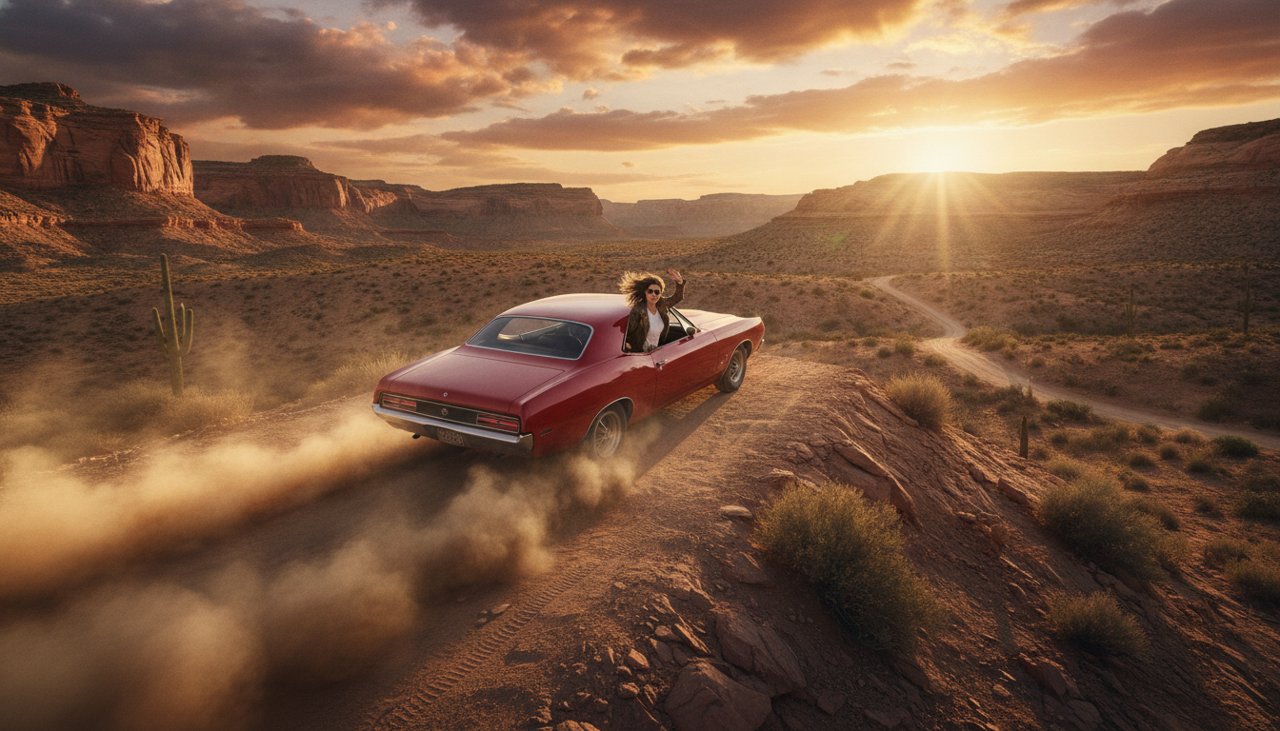
What is a car jump AI video?
A car jump AI video puts a fictional character behind the wheel for a short movie style ramp jump. The car climbs a low ramp, leaves the pavement for a moment, and lands on the other side in one continuous shot. It borrows the visual excitement of a stunt scene without requiring footage of an actual drive. The recognizable ingredients are simple: a driver, a ramp, visible air beneath the tires, and a landing that completes the movement.
This page offers one style, Movie ramp hop. The example uses a generic silver coupe on an empty fictional backlot, with no real vehicle brand or public road. A wide camera angle keeps the whole car and the landing area visible. The action is designed to fit four seconds, so it is a compact hop rather than a long chase, a leap between buildings, or a sequence of crashes. One clean stunt is enough to sell the cinematic joke.
A fictional driver named Casey could treat a trip to pick up takeout like the climax of an action movie. The caption creates the everyday mission, and the jump turns that mission into an overreaction. You can also use the shot as part of an original character trailer. In either case, the result is a generated movie scene, not evidence that a person performed a stunt or that a real car can safely make the same jump.
How to make the movie ramp jump
Begin with a clear portrait of one fictional adult. The face should be visible in even light, with no hand, helmet visor, or dark glasses hiding the features. The scene direction places that character in the driver seat of an unbranded coupe. You do not need to supply a real stunt location or photograph a moving vehicle. A plain portrait gives the generator a cleaner identity reference than a distant face behind a reflective windshield.
The camera needs to show the car rather than fill the frame with the driver. That creates a tradeoff: the face will be smaller during the jump, while the wheels and ramp remain readable. Judge the clip as a short vehicle action shot, not as a close portrait animation. Keeping the ramp low and the landing nearby allows the approach, airborne moment, and touchdown to form one action within the brief instead of forcing several unrelated shots together.
- Upload a sharp fictional adult portrait with a neutral expression and a clearly visible face. Use an image you have the right to animate and publish.
- Use Movie ramp hop. Review the selected duration, quality, and credit charge before starting the paid generation.
- Watch the completed jump from approach to landing. Check that the car keeps its shape, the wheels stay attached, and the driver remains in the seat.
- Save the result and add your caption in an editor. Frame it as a fictional movie moment, and keep the entire car visible when preparing a vertical post.
Where a short car jump makes sense
The easiest joke is a completely ordinary errand given an unreasonable action movie budget. A fictional driver hears that the last donut is still available. Another character remembers a library book is due today. The jump makes the urgency absurd without needing a long explanation. Choose a harmless setup that the audience understands immediately, then let the vehicle action supply the exaggeration. The shot should be funny even if the viewer never hears the audio.
An original character trailer can use the ramp hop as a quick burst of movement between quieter scenes. Establish the driver in a separate portrait shot if their identity matters to the story, then use this wider clip for the stunt. It also fits a fictional game concept or an invented movie poster campaign, provided the presentation makes clear that it is generated concept footage. The generic vehicle helps the scene stand on its own instead of relying on a recognizable badge or borrowed racing identity.
When editing for a phone feed, avoid cropping the front bumper or the landing area. The viewer needs to see where the car is going and what happens when it gets there. Put the landscape clip on a portrait canvas if a center crop removes those details. Add any tire noise, music, or movie style sound separately using audio you can publish. A short pause after the landing can make the caption land, but replaying the jump several times may make visual imperfections more noticeable.
How much does a car jump clip cost?
Car jump generations use paid credits. Credit packs start at $9.90, and the generator shows the charge for your selected model, duration, and resolution before you begin. The starter price buys a credit balance rather than guaranteeing a fixed number of stunt clips. Review the displayed cost after changing any output setting. That is the clearest way to decide whether a single test shot fits your budget before requesting additional versions.
A credit pack does not require a subscription. Start with one clear source and one simple ramp hop, then inspect the result before spending credits on a new take. If the car shape and landing work, a new caption or sound effect can create a different joke without another render. If the vehicle bends or the driver changes, refine the input or scene framing first. Increasing the jump height would add complexity without necessarily solving the detail that made the first shot unconvincing.
Failed renders receive credits back under the site's failure policy. A completed shot with imperfect vehicle geometry is a creative quality issue rather than automatically a technical failure. Check the job status and balance if a request does fail, and keep the reference for support. Generation often takes about a minute, with longer waits possible during busy periods. The four second brief describes the stunt action; the generator's selected duration determines the delivered video length.
Why use this car jump preset?
The preset gives the vehicle a clear route and a clear finish. An empty backlot, low ramp, and nearby landing area make the action easier to read than a crowded street full of moving objects. The fixed wide camera lets the viewer see the tires leave the ground, which is the detail that makes the jump work. You can build a short fictional action moment from a portrait without writing a chase sequence or coordinating several camera angles.
The sample also keeps the cast and vehicle original. It uses a fictional adult driver, a plain jacket, and an unbranded coupe rather than a public figure or a recognizable movie car. The scene asks to preserve the driver's face, but the wide view means that likeness is only one part of the result. Pay equal attention to the roofline, windows, wheel positions, and direction of travel. Vehicle shapes can shift during generation even when the opening frame looks convincing.
A focused edit helps the finished clip feel deliberate. Use the jump once, keep the landing visible, and let a short caption explain the exaggerated mission. Avoid adding a crash or explosion afterward just because the setting feels cinematic; the simple completed hop already has a beginning and a payoff. If your fictional character is ready for an absurdly dramatic errand, choose the portrait, check the credit charge, and make a movie moment built around one readable stunt.