What is a run it back AI video?
Short answer: a run it back AI video on this page turns one photo into a short Jersey Club style dance. The person performs quick bouncing steps, low kicks and shoulder pulses in one continuous shot. You can download a video made with credits and take it into CapCut to add the rewind transitions and beat cuts associated with the trend. The AI creates the dance footage; it does not create those editing effects.
Run It Back is a Jersey Club song by Salako. The related TikTok and CapCut trend combines energetic dancing with quick cuts, rhythmic hits and rewind style transitions. Those edits give the finished post its stop and restart feeling. Our presets supply original dance material for that kind of edit, without claiming to copy a particular creator's choreography or reproduce an existing template frame for frame.
TapToVideo is an independent tool and is not affiliated with Salako or CapCut. We do not provide the original song, artist footage or a licensed soundtrack. Your generated clip shows the person from your permitted photo in a new setting.
How to make your dance clip
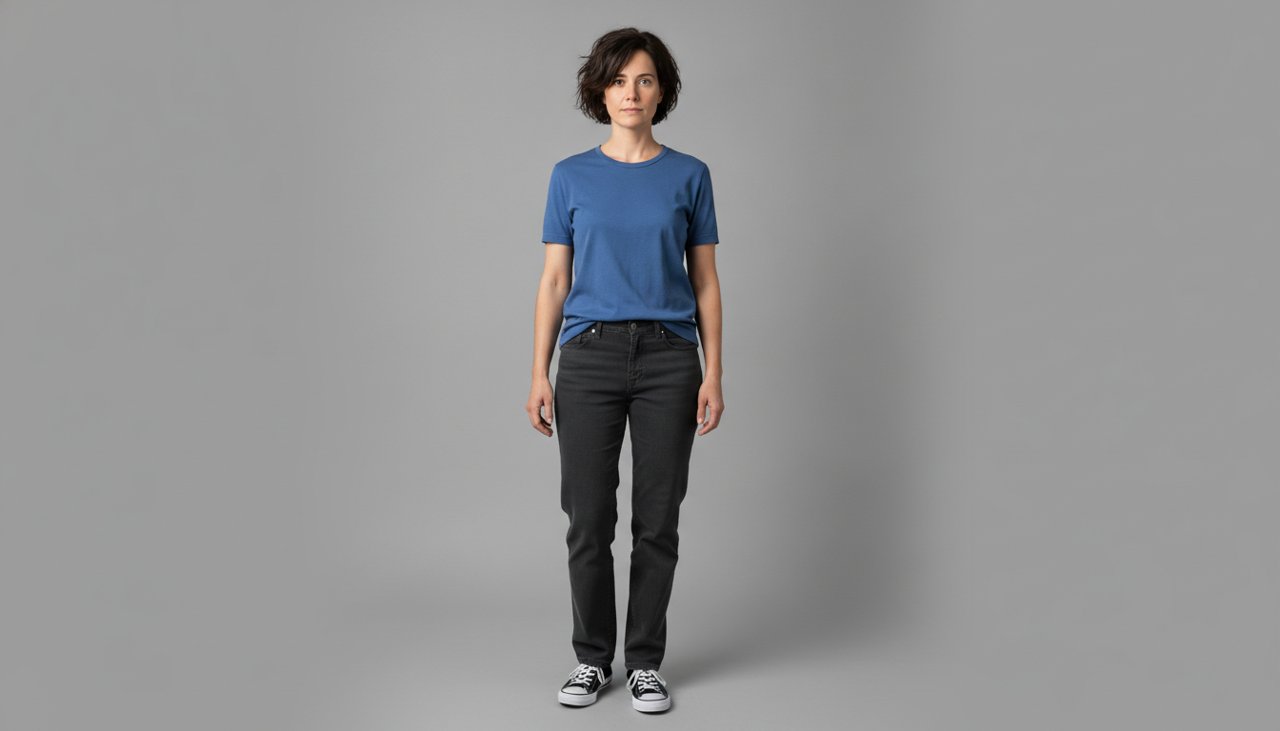
Start with one clear photo that shows the face, body and shoes. Every preset uses leg movement, so a full body photo gives the model more useful information than a tight selfie. Choose the room or outdoor setting you prefer, then let the preset supply the movement instructions. You do not need to upload a dance reference or write your own prompt to try these scenes.
- Upload a photo of yourself or one adult who has agreed to this use. Avoid celebrity photos and group shots.
- Choose Bedroom bounce, Night street kicks or Studio shuffle. Complete the consent and security checks shown on the page.
- Generate the clip and watch the whole dance before you download it.
- Use the credit download option shown on the page to save your dance footage. Check the face, legs and shoes before editing.
- Import the downloaded clip into CapCut if you want a rewind transition, quick cuts or a beat template. These are separate editing steps.
Three Jersey Club dance scenes
Bedroom bounce places you in a tidy bedroom with warm daylight, a cream T-shirt and loose joggers. Quick alternating bounce steps lead into two low kicks while the shoulders pulse. The camera stays fixed, leaving the whole body visible. Choose this scene for a casual at home dance feel, with a simple background that leaves attention on the feet and expression.
Night street kicks moves the dance to an empty pedestrian plaza under warm streetlights. A bomber jacket and dark trousers suit the evening setting. Springy side steps, low diagonal kicks and brisk shoulder bounces give the clip energy while the camera has a slight handheld feel. The dancer moves only a short distance sideways, so the routine stays readable without a chase shot or a crowded background.
Studio shuffle uses a bright studio, a plain sage wall and a blue tracksuit. Fast heel lifts and bouncing knees lead into low outward kicks, with compact arm movement and shoulder pulses. The fixed camera keeps the floor in view. All three scenes feature one dancer; none adds a friend, pet or second version of the person. The clothes and location are established before the animation begins.
How to add a run it back rewind effect in CapCut
Treat the downloaded dance as source footage for a separate edit. First decide which kick or shoulder accent should be the main moment. A short, clear movement gives you an easier edit point than a section where the feet overlap. Keep a copy of the original download so you can try different timings without losing the continuous dance.
In CapCut, build your edit around that selected moment: place a short reversed segment after a forward segment, or use an available Run It Back template that accepts your clip. Then align the transitions with the audio you are allowed to use. This is an editing outline, not a promise that every app version has the same buttons or that a particular template will be available to every account.
- Import the saved dance and choose a short section with a readable kick or shoulder pulse.
- Use the editing controls or a compatible template available to you to add the reverse segment or rewind transition.
- Adjust the segment lengths against your chosen audio, watching the junction between forward and reverse motion.
- Preview the finished edit from start to finish and export from CapCut. The rewind effect is added there, not generated by this page.
Choose a photo with room for footwork
Use even light and a face that is large enough to recognize. Keep sunglasses, heavy shadows and hands away from the eyes. A standing photo with visible shoes is useful because each preset asks for bouncing steps and low kicks. If you upload only a face crop, the model has to invent the rest of the body, including clothing proportions, leg position and footwear.
Leave space around the arms and feet instead of cropping tightly against the body. Avoid furniture crossing the legs or another person overlapping a shoulder. The original background will be replaced, so a plain wall is enough. When comparing scenes, use the same input photo so you can judge the effect of the setting and movement. Facial likeness is an aim, not a guarantee that every generated frame will match your photo.
Add music after generating the dance
The presets do not ask the person to sing, talk or lip sync. We do not supply Salako's recording, a remix or a slowed version. On a video made with credits, the song mixer lets you add an audio file from your own device. If you plan to finish the timing in CapCut, you can keep the dance footage separate from your audio until that editing stage.
Watch the footwork before deciding where the music should start. A low kick or a sharp shoulder pulse can give you a useful visual marker for a beat. The AI is not listening to your selected song during generation, so exact synchronization is not promised. Choose audio you have permission to use for the intended post, and check the final combination of cuts, music and movement before exporting.
Frame the dance for your post
These scenes use a landscape frame with enough space to show the whole dancer. For a vertical post, try placing the clip inside a vertical canvas before making a tight crop. Check the widest side step and every low kick, not just the opening image. Cutting off a shoe can make the movement hard to understand even when the face looks good.
Add captions in your editor after generating the dance. The generated scene itself contains no text. Leave the feet, shoulders and face unobstructed, since those parts carry the movement. A short caption about your own mood or outfit can give the post context without presenting it as an actual recording of you dancing. Watch the layout on a small screen to check that the full sequence remains easy to follow.
Check the movement before sharing
Look for sliding shoes, extra limbs, changing facial features or knees that bend unnaturally. Fast footwork can expose errors that are not obvious in a still preview. Watch once without music, then again with your chosen track. If the legs become unclear, try a sharper full body photo. A transition may disguise a rough frame, but it does not fix the underlying animation.
Use your own image or a consenting adult's photo, and describe the clip as AI generated where appropriate. Do not present it as footage of a celebrity or another person who never agreed to participate. The prompts exclude violence, blood and weapons. The result is a short dance performance for creative editing, with the rewind treatment and final beat timing left to your separate CapCut project.
What a video costs
The sample video on this page is there to watch before you decide. A 480p clip with 4 seconds costs 30 credits, and an HD clip at 720p with 8 seconds costs 80 credits. Videos made with credits have no watermark and download as an MP4.
To make one, create an account and pick a credit pack. You can buy one-time credit packs, no subscription. The smallest is 1,000 credits for $9.90, enough for about 33 videos of this effect. Credits never expire and are only taken when a video starts; if the render fails, they return to your balance automatically.
What happens to your photo
Your photo is sent to the AI model only to create your video. Uploaded photos are deleted after 24 hours, and we never publish your photos or videos anywhere. The finished clip is yours to download as an MP4 file.