What is a birthday AI video?
Short answer: a birthday AI video turns one photo of the birthday person into a short animated celebration. Upload a portrait, choose a scene and let the photo come to life with candles, falling confetti or a balloon surprise. There is also a pet birthday style for a dog or cat. You do not have to film a party or arrange a real cake to make the greeting.
Think of it as a moving birthday card with a familiar face at the center. The setting and movement are generated, so the result is an imagined celebration rather than a recording of something that happened. It can accompany a personal message, a family chat greeting or a birthday post. Keep your written wish separate from the clip so the message says exactly what you mean.
How to make a birthday video from one photo
Start with a clear photo and choose the moment you want to show. The four styles include their own scene and motion prompts, so there is no script to write.
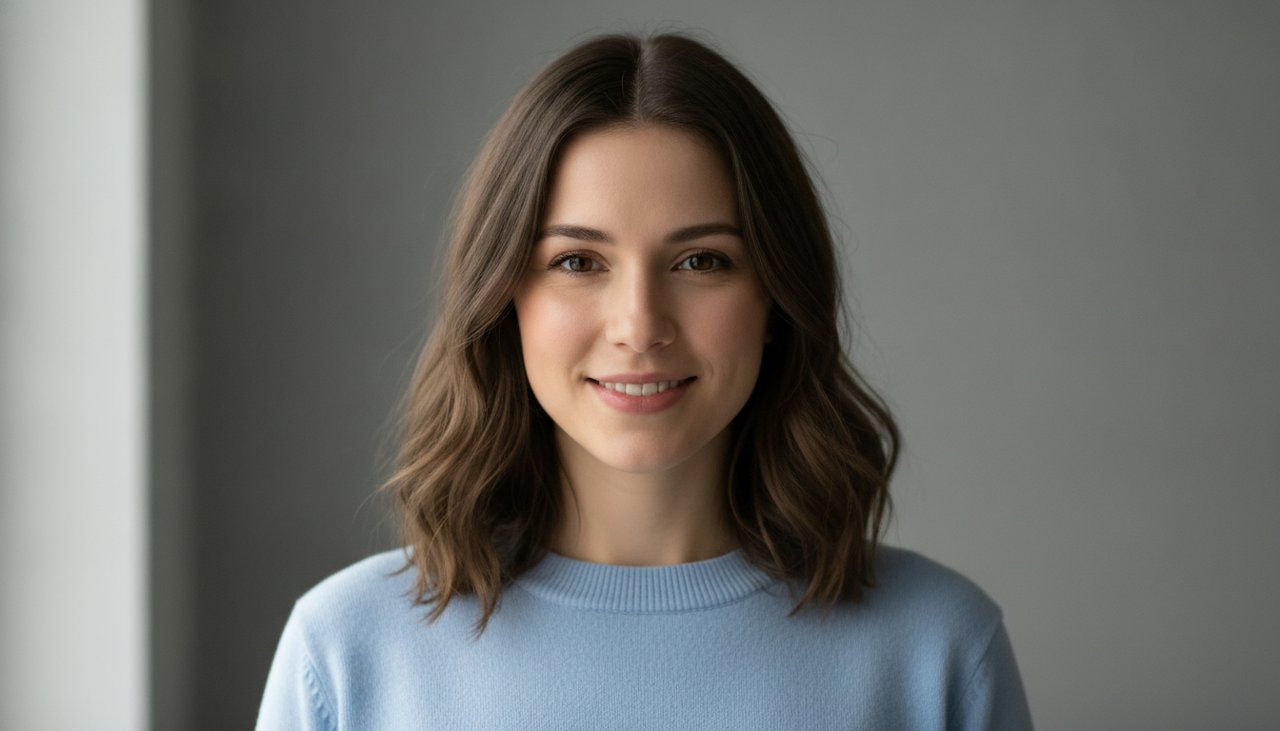
- Upload a photo of yourself, a friend who has agreed to this use, or your pet. Choose a picture with one clearly visible subject.
- Pick Birthday wish, Confetti party, Balloon surprise or Pet birthday. Match the pet style to a pet photo rather than a human portrait.
- Complete the security check, choose your credit option and click Create video.
- Wait for processing, then watch the whole result. Check the face, hands and decorations before deciding whether you want to share it.
- Use the available MP4 download option and send the clip with your own birthday message. Processing time can vary, so prepare it before you need to send it.
Choose your birthday moment
Each style creates a birthday setting first, then animates a single short moment. Choose a quiet wish for a personal greeting or a more colorful scene for someone who enjoys a party.
- Birthday wish: the person sits behind a small cake, briefly closes their eyes and blows out the candles before smiling. Warm light and a simple background keep attention on their face. The cake has no written name or age.
- Confetti party: colorful paper falls around the birthday person while two fictional friends clap behind them. The background guests are generated characters, not your actual friends, and the scene does not include a recorded cheer.
- Balloon surprise: the person opens a door and a small cluster of pastel balloons floats out beside them. This gives the clip a little reveal without needing a second photo or a sequence of separate scenes.
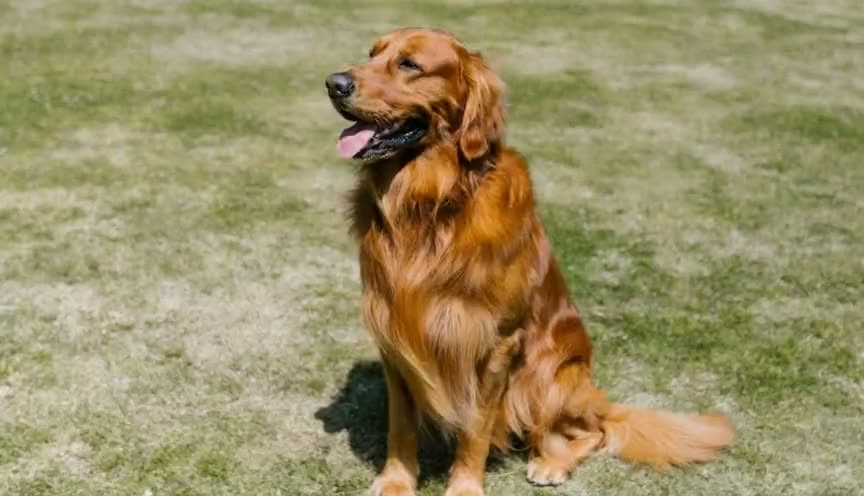
- Pet birthday: a dog or cat wears a party hat and tilts its head beside a little cake. The cake stays untouched and there are no flames. It is an imagined pet celebration, with natural animal movement rather than a talking pet.
Pick a photo that gives the face room
Use a well lit portrait with the whole face visible. A photo from the waist up gives the scene room for a cake or a door while keeping the person recognizable. Avoid tiny faces, heavy filters, sunglasses and hands covering the mouth. If you start with a group photo, crop it to the one person you have permission to animate.
For a pet, choose a picture with the head and ears fully inside the frame. A clear view of the fur and markings gives the model more useful detail than a dark action shot. The original background does not need birthday decorations because the selected style builds a new setting. AI can still change small details, so inspect the result rather than expecting an exact copy of the photograph.
Birthday AI video prompt ideas
You do not enter a custom prompt on this page; selecting a style supplies one for you. If you experiment in another tool with a prompt field, describe one subject, one birthday action and a simple camera position. A short clip has little room for a full party story. Keep names, ages and written wishes for an editor afterward, where you can check the spelling.
- Candle idea: The person sits behind a plain birthday cake, makes a quiet wish and gently blows out three candles. Fixed camera, warm light, one continuous shot, no speech, singing, lip syncing or text.
- Confetti idea: The person smiles as pastel confetti falls beside their shoulders. Two fictional friends clap in the background. Keep the face visible, the camera still and all decorations free of lettering. No singing or speech.
- Balloon idea: The person opens a door and watches a few plain balloons float upward beside them. One continuous shot, natural hand movement, no text or logos, no speech or lip syncing.
- Pet idea: The pet wears a little party hat and tilts its head beside a small untouched cake. Preserve its fur markings and natural anatomy. No flames, talking, singing or written decorations.
Ways to send it to a friend
Send the finished clip with a short note about something you appreciate about your friend. A specific memory or an inside joke makes the greeting more personal than a long generic birthday paragraph. If you want a midnight surprise, make and review the video earlier, then send it yourself at the right time. This page creates the clip; it does not schedule or deliver messages.
For a family chat, introduce it as an AI birthday card so everyone understands the scene is imagined. For a public post, check that your friend is comfortable with the audience as well as the photo animation. You can also send a pet birthday clip as a playful greeting from your household. TapToVideo has Halloween and other holiday videos for occasions beyond birthdays.
Add your own happy birthday message and music
The generated clip is silent and contains no written birthday greeting. Add Happy birthday, a name or a longer wish in your own video editor after downloading, or simply type the message alongside the video when you send it. For a vertical layout, place the landscape clip inside a portrait canvas and use the spare space for your greeting instead of cropping the face or cake.
We do not provide copyrighted music, a birthday song or a singing performance. If you want sound, add your own spoken greeting or music you have permission to use in a separate editing app. This birthday page does not include a music mixer. Watch the final edit with sound before sharing, and keep the message readable without making the recipient pause the video.
What a video costs
The sample video on this page is there to watch before you decide. A 480p clip with 4 seconds costs 30 credits, and an HD clip at 720p with 8 seconds costs 80 credits. Videos made with credits have no watermark and download as an MP4.
To make one, create an account and pick a credit pack. You can buy one-time credit packs, no subscription. The smallest is 1,000 credits for $9.90, enough for about 33 videos of this effect. Credits never expire and are only taken when a video starts; if the render fails, they return to your balance automatically.
What happens to your photo
Your photo is sent to the AI model only to create your video. Uploaded photos are deleted after 24 hours, and we never publish your photos or videos anywhere. The finished clip is yours to download as an MP4 file.