Image to Video AIfree, no sign-up
Upload a photo, describe the motion, and the AI turns it into a short video in about a minute. Free, no registration, no watermark.
No sign-up · no watermark · JPG, PNG or WebP up to 8 MB
Examples
Real results, with the prompt
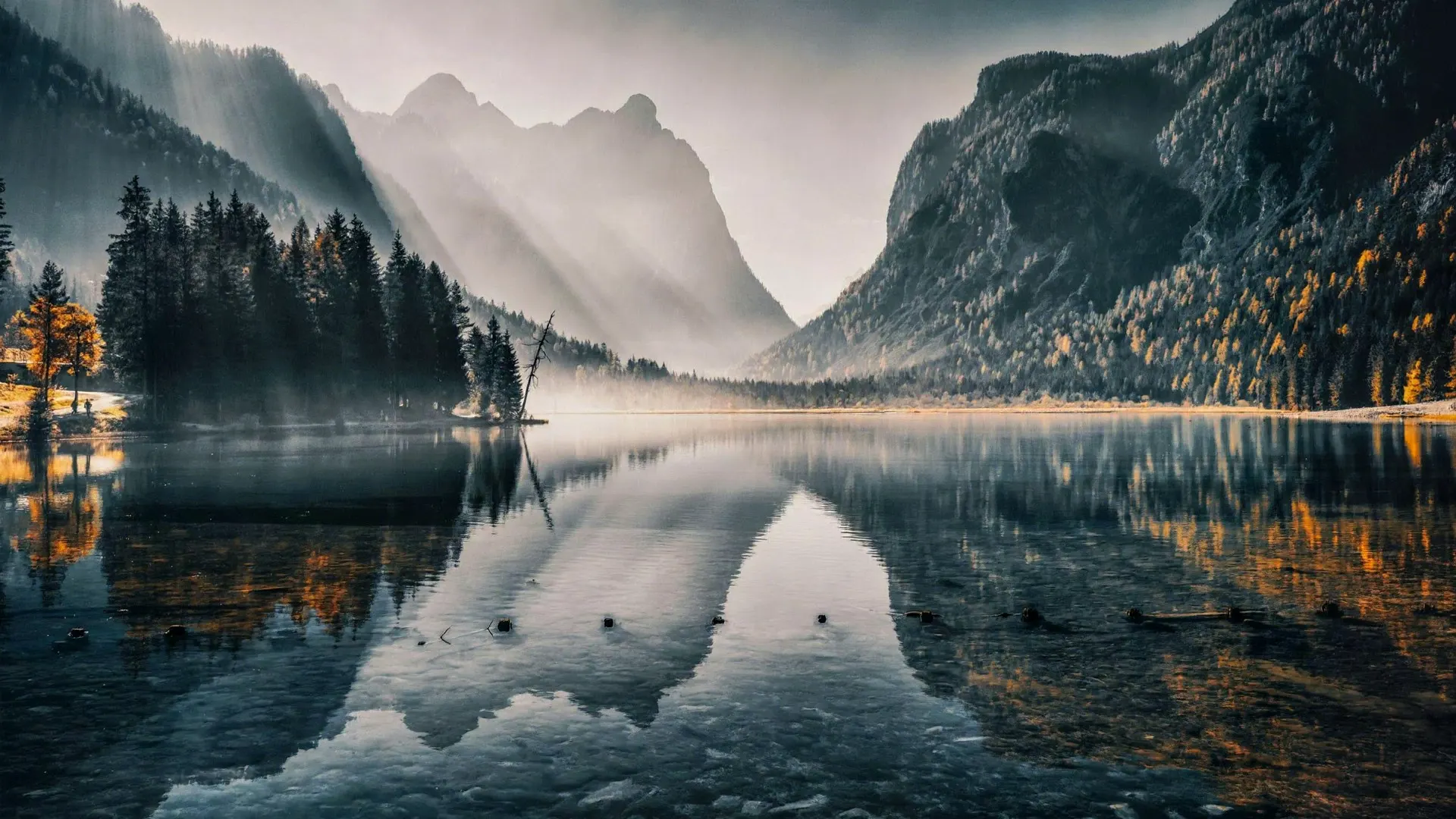
Every clip was made with our own tool. Dog, lighthouse and mountain lake use the free setting (480p, 4 seconds); the beach and alpine lake clips were made in 1080p. The source photos come from Pexels. Below each video is the prompt we used (some were written in German and are shown here in English).
Guide
How it works
- 1
Upload a photo
Pick a sharp photo with a clear subject, for example your pet, a product or a holiday picture. JPG, PNG or WebP, up to 8 MB.
- 2
Describe the motion
Write one sentence about what should happen: "The dog wags its tail" or "The camera slowly moves closer". Short and specific works best.
- 3
Download the video
After about 30 to 60 seconds your video is ready. You watch it right in the browser and download it as an MP4, without a watermark.
- Price
- Free
- Per day
- 2 videos
- Resolution
- 480p
- Length
- 4 seconds
- Account
- Not needed
What is image to video AI?
Image to video AI means an artificial intelligence takes a single photo as its starting point and works out how the scene could move over the next few seconds. A still image becomes a short clip in which your subject moves, light and shadows shift or the camera glides slowly through the scene.
With TapToVideo you need no software, no account and no prior knowledge. You upload the photo right in your browser, say in one sentence what motion you want, and get an MP4 video after about a minute. The original image stays recognisable: colours, subject and composition are kept, only the motion is added.
How good the result is depends mainly on two things: a sharp photo with a clear main subject and a specific description. "Something nice" leads to random motion, while "The dog turns its head toward the camera" leads to exactly that motion.
Use cases
What can you use it for?
Pets
Make your dog wag its tail or your cat blink. A small surprise for family and friends.
Products
A product photo that slowly rotates looks far more alive in classified ads, an online shop or on Instagram than a still image.
Travel & nature
Clouds drift, waves roll, the camera glides over the landscape. Your holiday photo becomes a little film.
Social media
Short clips for Reels, Shorts and Stories. A moving image holds attention longer than a photo in the feed.
Tips for good prompts
- One motion per video. Four seconds fit one clear action. Several actions at once quickly look restless.
- Name the subject. "The dog", "the cup", "the car": this tells the AI what should move.
- Describe the camera. "The camera slowly moves closer" or "still camera" changes the effect a lot.
- Keep the background calm. Adding "the background stays calm" prevents unwanted changes.
Prompts to try:
- "The person smiles and waves at the camera, the background stays calm."
- "The dog turns its head toward the camera and wags its tail."
- "Slow camera flight forward, clouds drift across the sky."
- "The product slowly rotates 360 degrees, soft studio light."
- "Steam rises from the cup, the camera slowly moves closer."
Your photos stay your photos
- Your photo is only used for your video and is deleted automatically after 24 hours.
- We publish neither your photo nor your video.
- No account, no email address, no payment details needed.
- We do not store your IP address in plain text, only as a hash value to check the daily limit.
Details are in our privacy policy.
FAQ
Frequently asked questions
Is image to video AI at TapToVideo really free?
Yes. You can create 2 videos in 480p with a length of 4 seconds every day, without paying and without creating an account. If a creation fails, it does not count towards your daily limit.
Do I need to sign up?
No. You upload your photo, describe the motion and start the creation. There is no account, no email confirmation and no credit card.
How long until the video is ready?
In our tests a video was ready after about 30 to 60 seconds. Under heavy load it can take a little longer. You do not need to reload the page.
Does the video have a watermark?
No. Free videos are delivered without a watermark as an MP4 file that you can download right away.
Which photos work best?
Sharp photos with a clearly recognisable subject: a pet, a product, a landscape or a building. JPG, PNG and WebP up to 8 MB are supported. Very small or heavily blurred images lead to weaker results.
What happens to my uploaded photo?
Your photo is only used to create your video and is deleted automatically after 24 hours. We publish neither your photo nor your video. We do not store your IP address in plain text, only as a hash value to check the daily limit.
What is not allowed?
No nudity or sexual content, no photos of people without their consent and no content meant to deceive or hurt others. Adult requests are also filtered automatically.
Will there be longer videos and higher resolution?
Yes. An HD option with 720p and longer clips is in preparation. The free version will stay.