What is a personalized birthday song video?
It is a short clip that pairs one photo with an original instrumental track. The person in the photo sways, claps or does a small dance while the music plays, and the whole thing arrives as a single MP4 with sound. The personal part is the face and the movement. The music is generated for the clip rather than written about the person.
That distinction matters, so it is worth saying plainly: the AI does not sing a name, does not write lyrics and does not use the traditional birthday tune. What you get is an upbeat backing track with no vocals, matched to a short dance. If you want a voice saying a name, you add it yourself, and the steps for that are below.
Think of it as a moving card with a soundtrack. It suits a group chat, a story post or a small screen at a family dinner. It does not replace a call, and it is not a custom song, but it gives the greeting a rhythm that a still image cannot.
How the music is made
The video model generates picture and sound in one pass. It receives a description of the scene and the movement, plus a request for an original instrumental with no vocals and no lyrics. The result is a new track created for your clip rather than a licensed recording, so you can post the video without clearing a song.
Because the track is generated, the exact melody changes from clip to clip. Treat it as a cheerful rhythm section rather than a tune you can hum back. It fits a short social clip, a party invitation or a chat greeting. For anything longer, use the clip as an opening and continue with music you have the rights to use.
Three scenes to dance in
Each style sets a small scene, then animates one simple movement that fits four or five seconds. Pick the setting that looks most like the birthday person's home or the party you are planning.
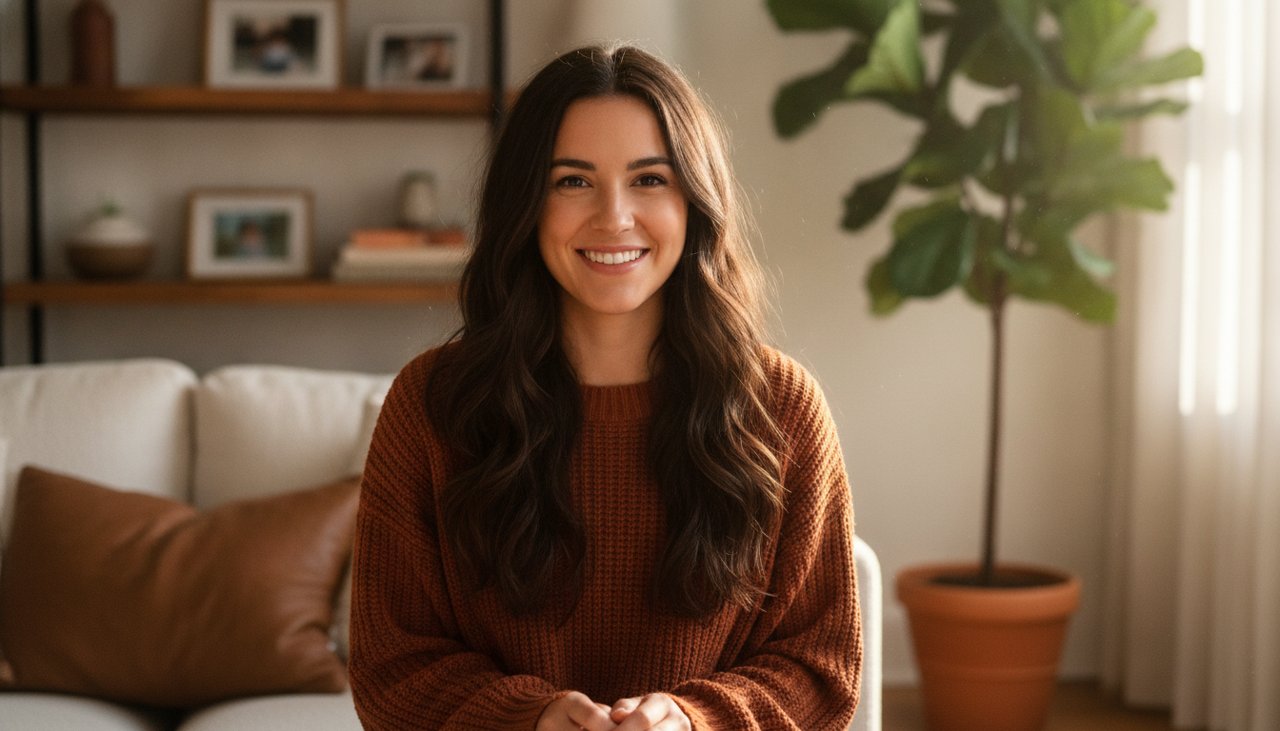
- Living room groove: the person stands by a couch with two plain balloons and a few streamers, sways, claps twice and laughs. Warm lamp light and a still camera keep the focus on the face and shoulders.
- Cake and candles: the person holds a small plain cake with two lit candles, does a small two step and lifts the cake toward the camera. Candle flames flicker as they smile. The cake has no lettering.
- Backyard lights: the person stands under warm string lights at dusk, bounces to the beat and turns in a small half circle before facing the camera. Paper lanterns blur in the background.
How to make it
You need one photo and about a minute of waiting. The video and the audio finish together, so there is no separate music step.
- Upload a photo with the face clearly visible, ideally from the waist up so the arms and shoulders have room to move.
- Choose Living room groove, Cake and candles or Backyard lights.
- Confirm the cost shown on the page and start the render. You pay for videos that render, and a failed render is refunded.
- Listen with the sound on. Check that the face holds, the hands look natural and the music is at a comfortable level.
- Download the MP4. The audio is inside the file, so it plays the same way in a chat, on a phone or in an editor.
Photos that work better with music
A photo from the waist up gives the model enough body to move without inventing legs. A full body photo works when the feet are visible and the pose is relaxed, but a tight crop of the face leaves little for the dance to use. Keep the arms away from the body and the hands out of pockets, so the model has somewhere to put the motion.
Avoid blur, strong backlight and heavy filters. A window behind the person turns the face into a dark shape, and the model tends to invent features to fill it in. If the only photo you love is a group shot, crop it to one person before uploading.
The style changes the room, so the original background does not need birthday decorations. It rebuilds the setting around the person, which means a photo taken in an office can still become a birthday scene.
Adding your own greeting and the name
Record a five second voice note on your phone: the name, a short wish and something specific to the year. Import both the MP4 and the voice note into CapCut, place the voice at the start and lower the generated instrumental to about a quarter volume underneath it. The result sounds like you, which is the part a generated track cannot do.
For text, add a title card or a caption with the name and the date, and keep it on screen for at least two seconds. If you are sending the clip in a chat rather than posting it, a typed message with the name may be enough and saves the edit.
If you want a song that actually says the name, that is a different job: a recorded voice note, a text to speech greeting or a custom song service. This page does not write lyrics or sing names, and the clip is designed around movement rather than lip sync.
Sending it at the right moment
Birthday messages land best before the day gets busy. Send the clip at midnight, or first thing in the morning in the recipient's time zone. Make and check it the day before, then keep the MP4 on your phone so the greeting does not wait for a render queue.
Clips are 4 seconds at 480p, and HD clips are 8 seconds at 720p. Four or five seconds is a greeting, not a montage. If you want something longer, use this clip as the opening of a slideshow in your editor, then follow it with stills and a longer piece of music you have the rights to use.
For a public post, mention that the clip is AI animated and that the music is generated. That keeps the greeting honest and saves you from answering the same question in the comments.
What a video costs
The sample video on this page is there to watch before you decide. A 480p clip with 4 seconds costs 50 credits, and an HD clip at 720p with 8 seconds costs 80 credits. Videos made with credits have no watermark and download as an MP4.
To make one, create an account and pick a credit pack. You can buy one-time credit packs, no subscription. The smallest is 1,000 credits for $9.90, enough for about 20 videos of this effect. Credits never expire and are only taken when a video starts; if the render fails, they return to your balance automatically.
What happens to your photo
Your photo is sent to the AI model only to create your video. Uploaded photos are deleted after 24 hours, and we never publish your photos or videos anywhere. The finished clip is yours to download as an MP4 file.