What is a Halloween AI video?
Short answer: a Halloween AI video is a short clip made from one ordinary photo, in which AI dresses you, a friend or your pet in a Halloween costume, places you in a spooky scene and makes everything move. You do not need makeup, a costume or any editing skills. You upload a photo, pick a style and get a few seconds of video that looks like it was filmed on Halloween night.
In October these clips are everywhere on TikTok, Instagram Reels and YouTube Shorts. The most popular formats are simple: a normal selfie that turns into a zombie or a witch, a home video where a ghost suddenly appears behind someone, and pets in tiny pumpkin costumes. This page covers all three with four ready made styles, so you can make your own version in about a minute.
How to make a Halloween AI video from a photo
No account is needed, and it works on phone and desktop.
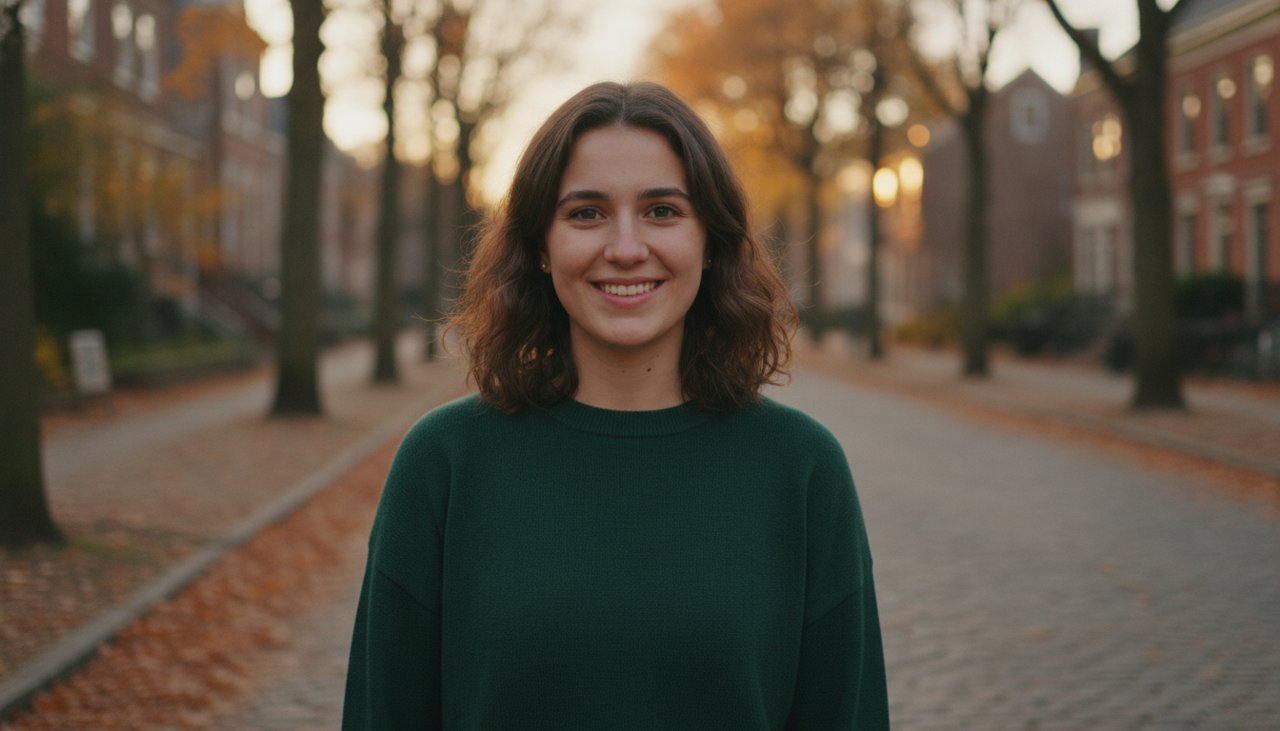
- Upload a clear photo of yourself, a friend who agrees to be in the video, or your pet. A waist up photo with one person works best.
- Choose a style: Zombie makeover, Witch transformation, Ghost behind you or Pumpkin pet.
- Complete the quick security check and click Create video.
- Wait about a minute while the AI builds the costume and the scene, then animates it.
- Watch your clip and download it as an MP4 to post or send.
Four Halloween styles to choose from
Each style first changes the costume and the setting, then turns the new picture into a short video. The face stays recognizable as the person in your photo.
- Zombie makeover: pale grey green costume makeup, an old ragged jacket and a foggy street full of glowing pumpkins. You shuffle toward the camera like a classic movie zombie, then break character and laugh. It is a costume look, not a horror effect, so it stays fun to share.
- Witch transformation: a tall pointed hat, a black cloak and a bubbling cauldron in a candle lit cottage. Green mist rises, you smile at the camera and sparkles swirl around your fingers.
- Ghost behind you: you keep your own clothes and sit in a living room decorated for Halloween. A small sheet ghost floats up behind you and taps your shoulder, you jump, and then you both laugh. It is the friendly version of the ghost prank clips that go around every October.
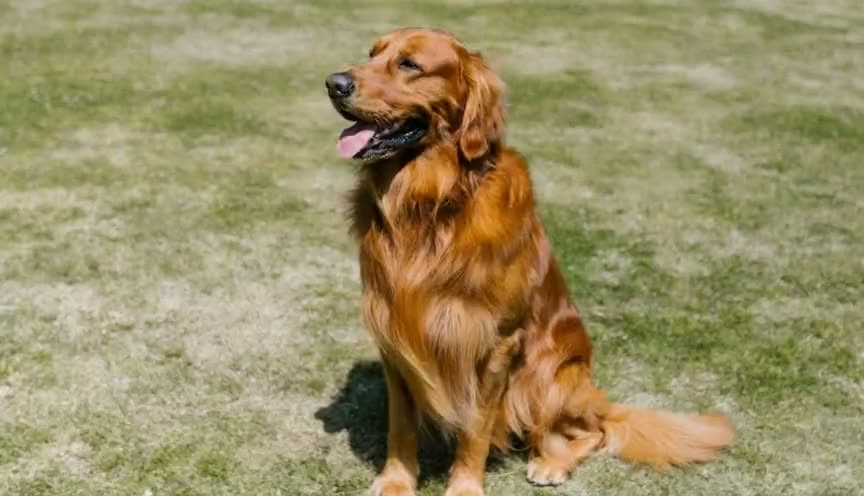
- Pumpkin pet: your dog or cat in a soft pumpkin costume on a porch full of jack-o'-lanterns, trotting toward the camera while leaves fall. Upload a photo of your pet for this one.
Which photos work best
The AI can only keep what it can see, so a good photo makes the biggest difference. These tips give the most convincing results:
- Use a photo with one person, from the waist up, with the face clearly visible and not too small.
- Avoid sunglasses, hands in front of the face and very dark or blurry pictures.
- The background does not matter much, because each style replaces it with a Halloween scene.
- For Pumpkin pet, use a photo where your pet faces the camera and the whole head is in the picture.
- Only upload photos of yourself, your own pets or people who agreed to it. Photos of celebrities and of people who did not agree are not allowed.
Halloween AI video prompt ideas you can copy
On this page the prompts are already built into the four styles, so you do not have to write anything. If you also use AI video apps that take a text prompt, these Halloween ideas work well with a single photo. Describe one continuous action, keep it short and say what the camera does:
- "The person, dressed as a vampire in a black cape, steps out of the shadows of an old castle hallway, smiles at the camera and pulls the cape around their shoulders, candles flicker, slow push in."
- "A friendly sheet ghost peeks out from behind the curtain, waves at the person on the sofa and floats away, home video look, camera stays still."
- "The cat in a tiny witch hat sits next to a carved pumpkin, the pumpkin lights up and the cat looks at it in surprise, cozy autumn evening."
- "The person in skeleton face paint dances a silly little dance on a porch full of jack-o'-lanterns, orange lights twinkle, handheld camera."
- "Fog rolls through a pumpkin patch at dusk, the person in a scarecrow costume slowly turns their head to the camera and winks."
Halloween ideas for TikTok, Reels and Shorts
The clips that get shared most are the ones with a small story. A few ideas that work well with these styles:
- A before and after: post your normal photo first, then cut to the Zombie makeover or Witch transformation.
- Make the whole friend group into witches and zombies and post them one after another.
- Send the Ghost behind you clip to a friend who is easily startled, with the caption "check what is behind you".
- Show off your pet's costume for the year, even if your dog would never wear a real one.
- Use the clip as a Halloween party invitation or a seasonal post for your small business.
Posting your Halloween video
The video is a landscape 16:9 clip without sound. TikTok, Reels and Shorts show vertical video best, so place it in the vertical editor of the app and add a blurred background or a caption above and below it. Then pick a spooky trending sound inside the app, which also links your post to the sound page.
Keep the caption short and set up the joke. When the app asks, label the post as AI generated; TikTok, Instagram and YouTube all have a label for AI made content. Halloween posts get the most views in the last two weeks of October, so it is worth making your clip a few days before the 31st.
What a video costs
The sample video on this page is there to watch before you decide. A 480p clip with 4 seconds costs 30 credits, and an HD clip at 720p with 8 seconds costs 80 credits. Videos made with credits have no watermark and download as an MP4.
To make one, create an account and pick a credit pack. You can buy one-time credit packs, no subscription. The smallest is 1,000 credits for $9.90, enough for about 33 videos of this effect. Credits never expire and are only taken when a video starts; if the render fails, they return to your balance automatically.
What happens to your photo
Your photo is sent to the AI model only to create your video. Uploaded photos are deleted after 24 hours, and we never publish your photos or videos anywhere. The finished clip is yours to download as an MP4 file.