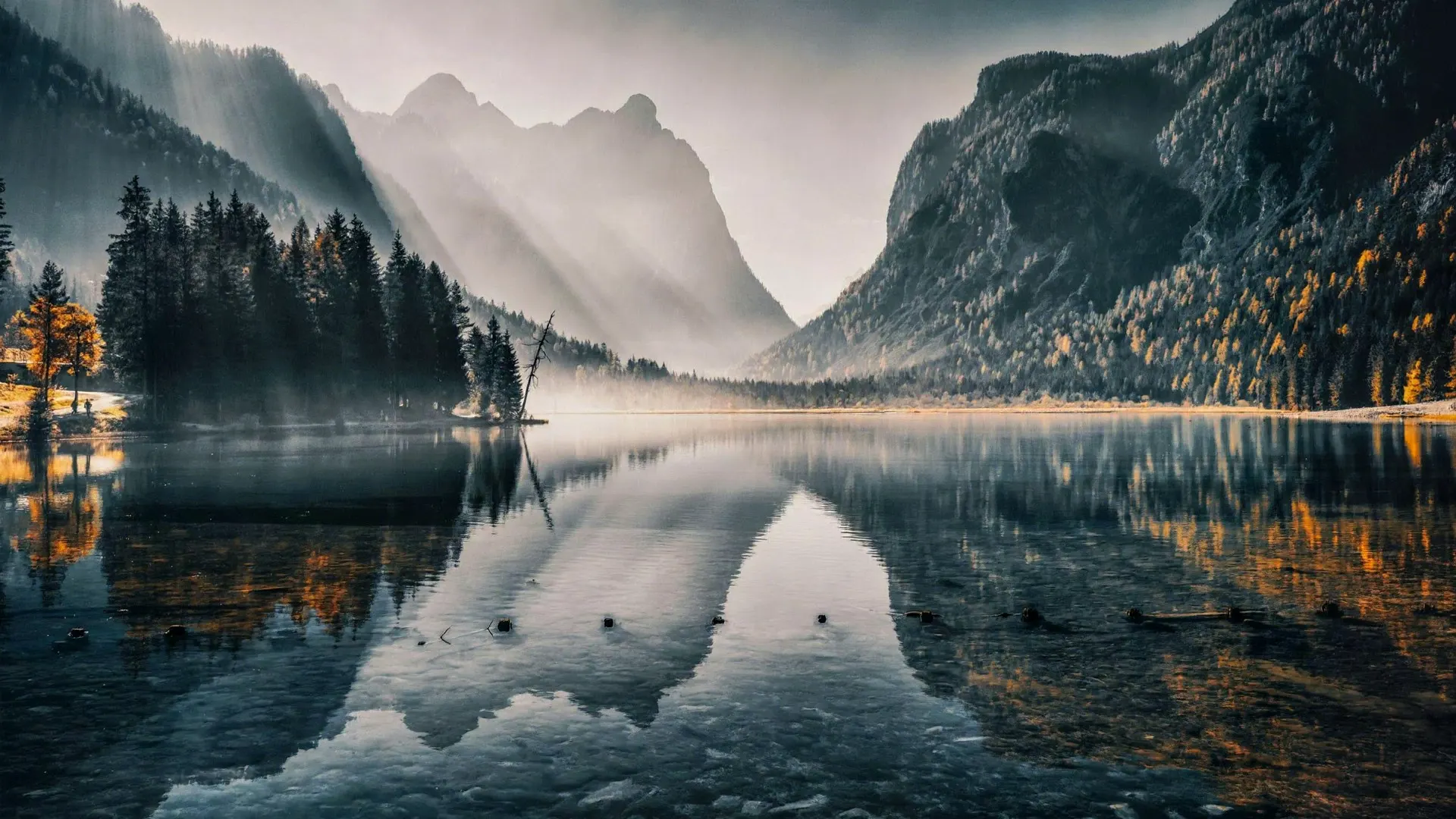
Put Bigfoot in your own photo
Bigfoot videos have become one of the funniest trends on TikTok, Instagram Reels and YouTube Shorts: a shaky clip from a hiking trail, a backyard or a camping trip, and suddenly a tall, hairy creature walks through the frame. With this Bigfoot video generator you can make your own version from a photo you already have.
You upload a photo, pick a scene, and the AI turns the still image into a short video in which Bigfoot appears. Your photo stays the background, so the clip looks like it was filmed exactly where you took the picture. That is what makes these videos fun to share: the place is real and familiar, only the visitor is not.
How to make a Bigfoot video
No account is needed. You can try it right now with any photo from your phone.
- Upload a photo, ideally outdoors: a forest path, a lake, a garden, a campsite or a snowy field.
- Choose a scene: Bigfoot walks by, Bigfoot photobomb or Bigfoot vlog.
- Complete the quick security check and click Create video.
- Wait about 30 to 60 seconds, then watch your clip and download the MP4.
Three Bigfoot scenes to choose from
Bigfoot walks by is the classic sighting. The creature walks slowly across the background, stops, turns its head toward the camera and keeps going. It is styled like a shaky trail camera clip, which is why it works so well for the "did you see that?" kind of post.
Bigfoot photobomb is the comedy version. Bigfoot peeks out from behind the scenery, waves at the camera in a friendly way and ducks back out of sight. It is great for photos of friends, family trips or your pet in the garden.
Bigfoot vlog is the one many people know from social media: Bigfoot steps up close to the camera, looks into the lens like a vlogger, gestures as if it is talking and waves goodbye. The videos have no sound, so you can add your own voice-over or captions afterwards in your editing app.
Which photos work best
The AI needs some room in the picture to place Bigfoot, so open scenes give better results than close-ups. These tips help:
- Choose a photo with open space or trees in the background. A wall right behind you leaves no room for Bigfoot.
- Nature photos are the most believable, but a backyard or a parking lot at dusk can be very funny too.
- Landscape photos work best for walk-by scenes. For the vlog scene, a photo with a clear foreground works well.
- Sharp photos with natural light look more realistic than dark or blurry ones.
- Not happy with the first try? Run the same photo again or switch to another scene. Each result is a little different.
Ideas for your Bigfoot clips
Post a "sighting" from your last hike and see how many friends ask where it was. Turn a photo of your campsite into a spooky campfire story. Make a short series where Bigfoot shows up in every place you visit on a road trip. Teachers and parents also use the clips for fun stories with kids, and small businesses near forests and lakes use them for playful social media posts.
Keep it fun, though. Do not use a Bigfoot video to make people believe something false in a harmful way, such as a fake news report or a staged emergency.
Free videos and credits
Every visitor gets 2 free videos per day at 480p and 4 seconds. There is no watermark on the result, and a failed attempt does not count towards your daily limit, because you did not get a video.
Credit packs for more videos and HD clips at 720p with 8 seconds are launching soon, starting at 1,000 credits for $9.90. They will be one-time payments, not a subscription, and credits will never expire.
What happens to your photo
Your photo is sent to the AI model only to create your video. Uploaded photos are deleted after 24 hours, and we never publish your photos or videos anywhere. The finished clip is yours to download as an MP4 file.